For contractors, developers and project owners.
100+ projects since 2016Trusted by ministries and national institutions



Simulators, VR training and AI for contractors and developers in the UAE and Egypt. Crane operators learn on real controls, new workers walk the site before the gate, and planners agree every lift on one screen.
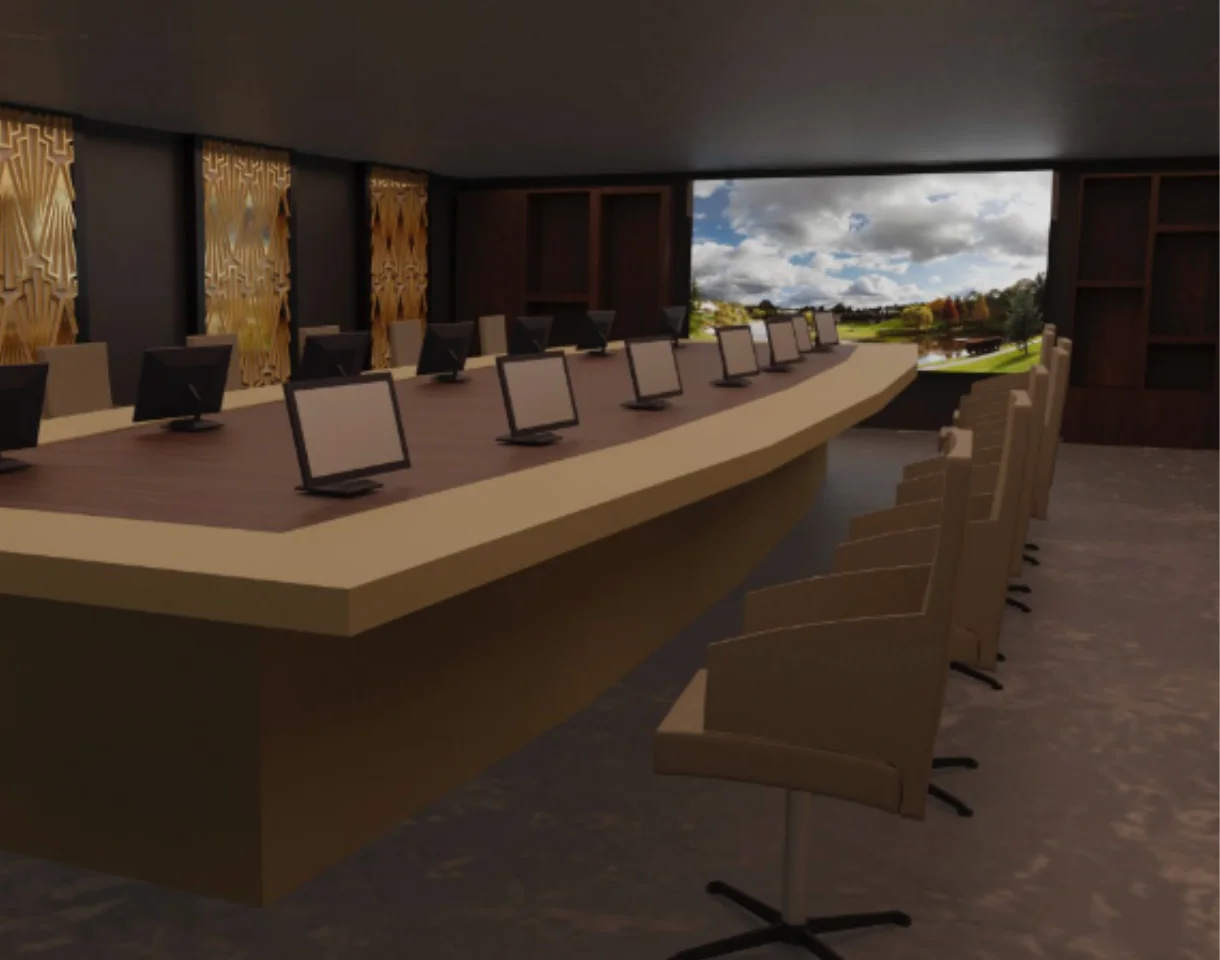
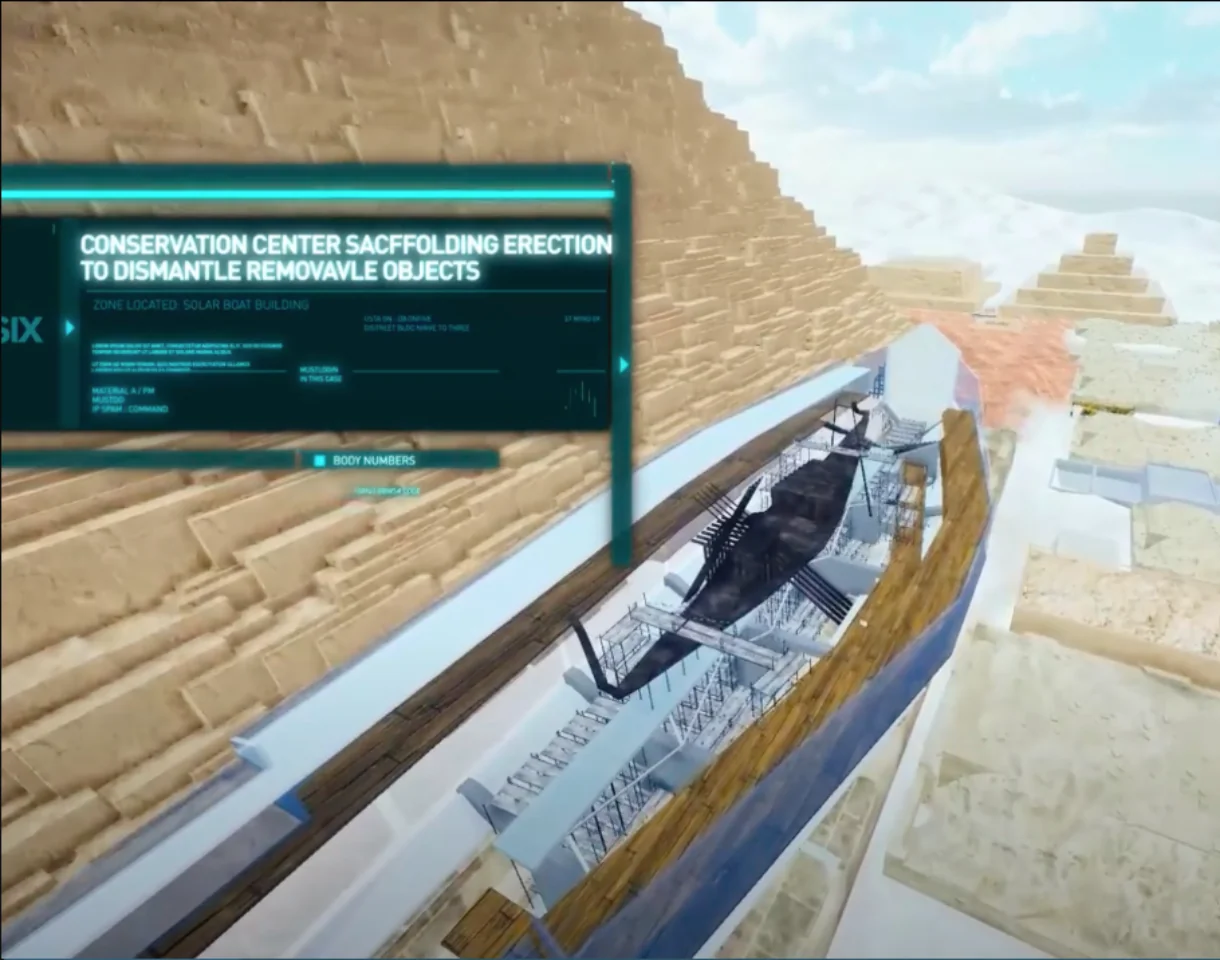
Every phase, every lift, agreed on one screen.
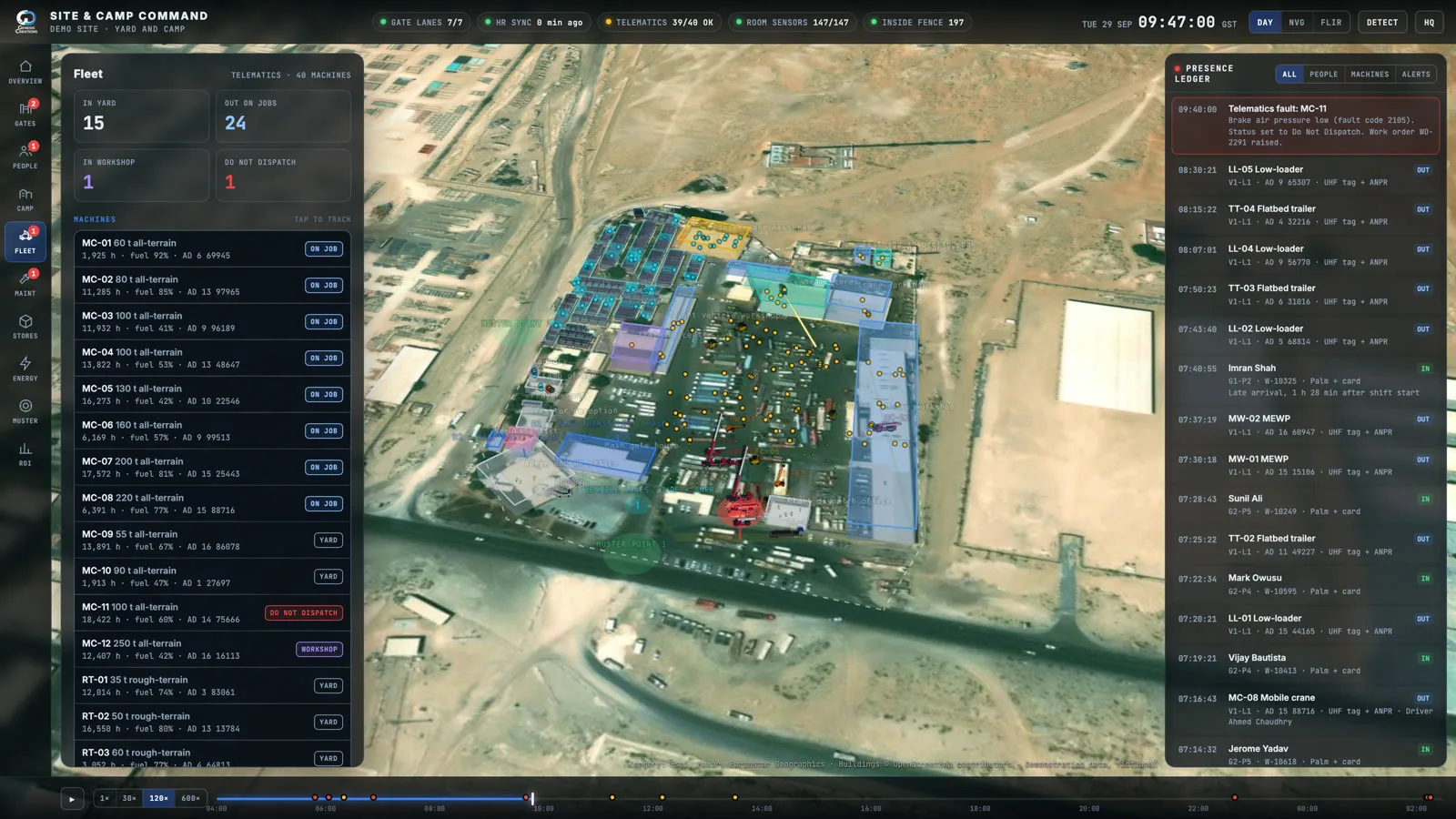
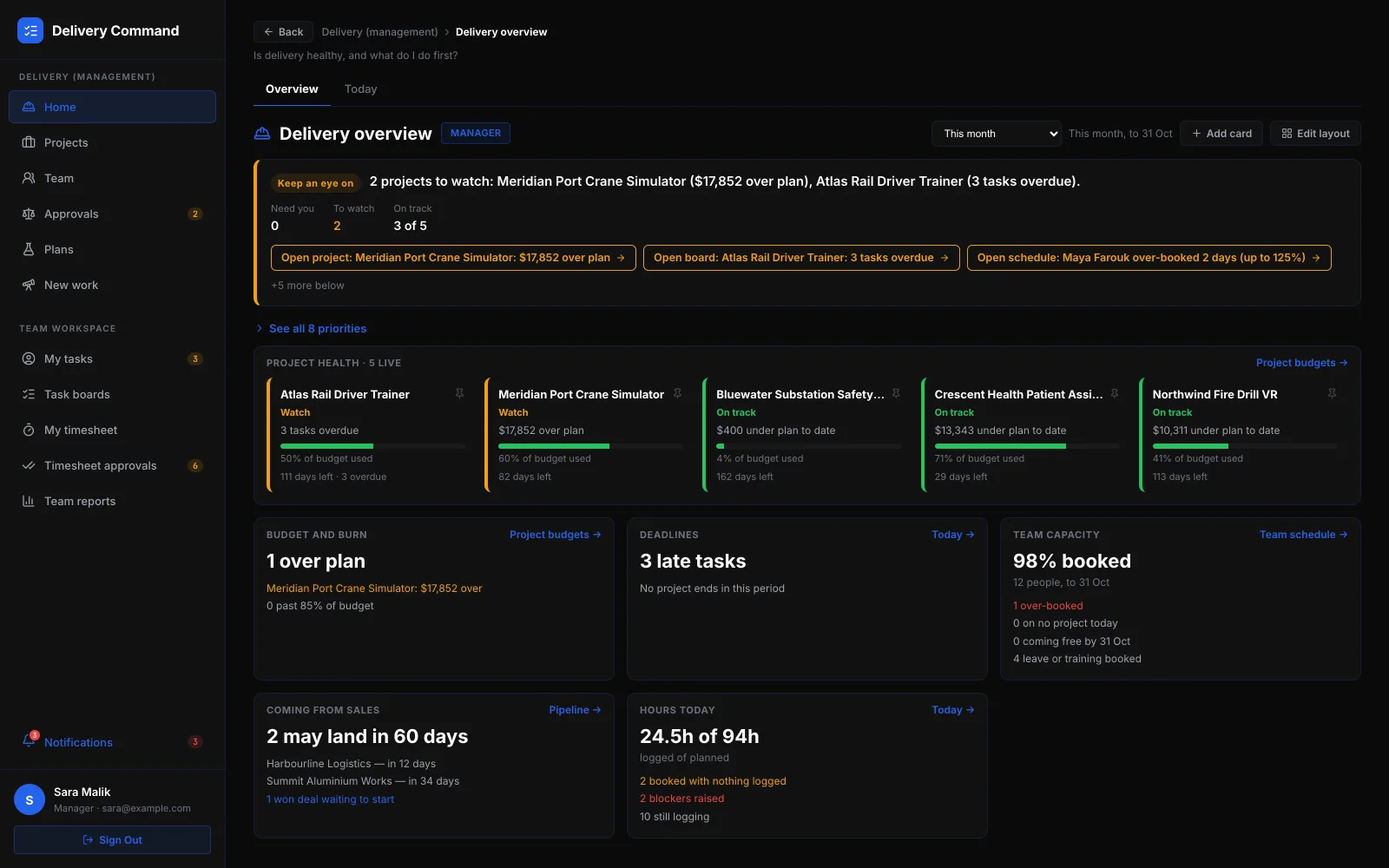
Know who is on site. Right now.
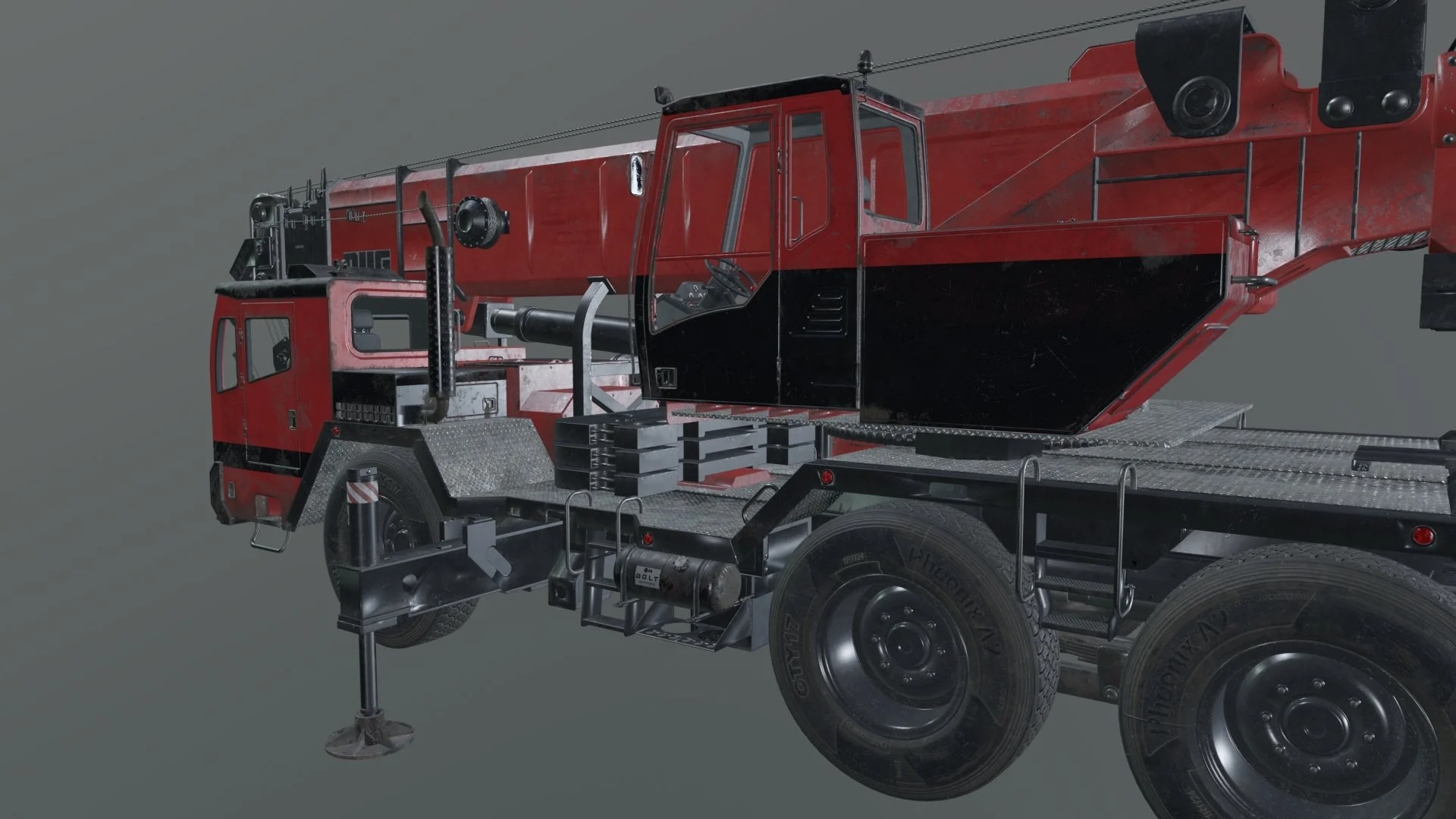
Real controls. The first mistake happens in the simulator.
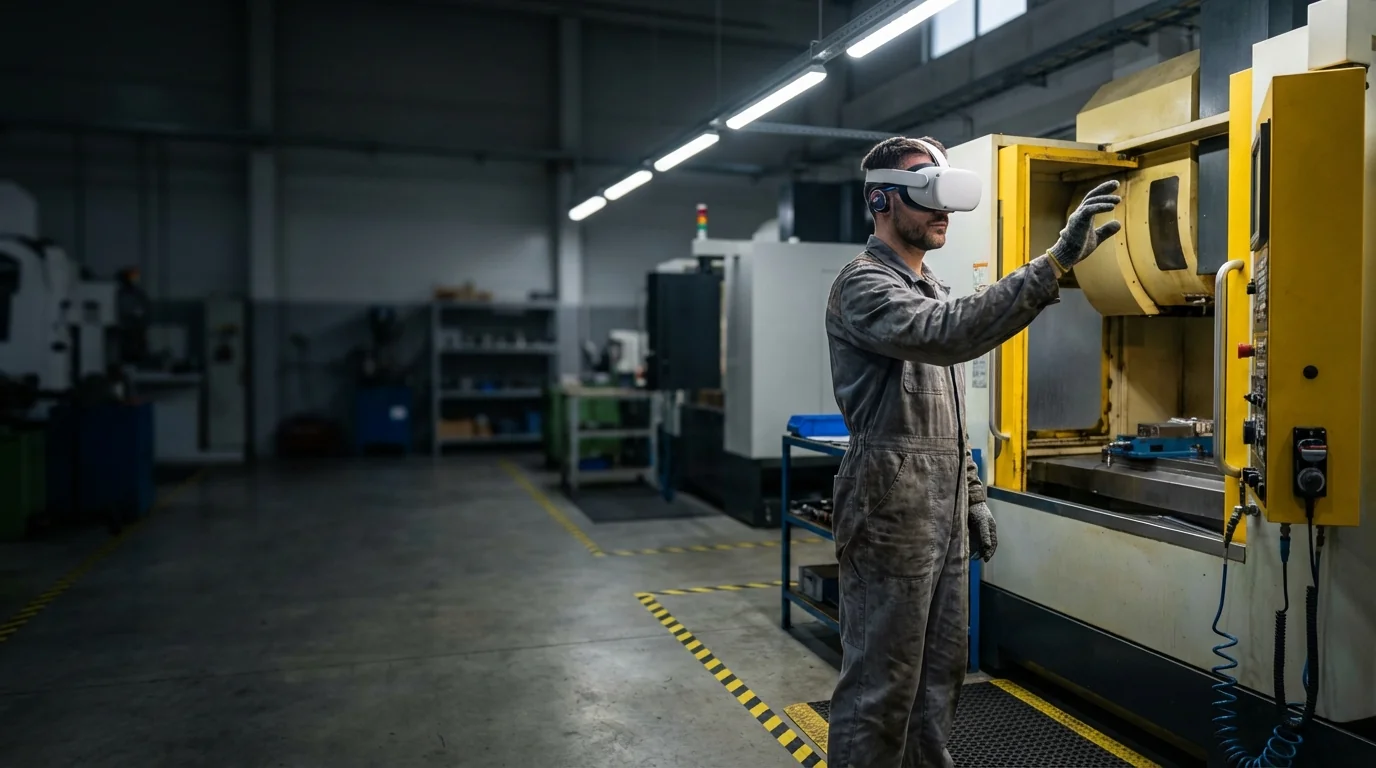
Standalone headsets or on-site PCs. Remote and secure sites train the same way.
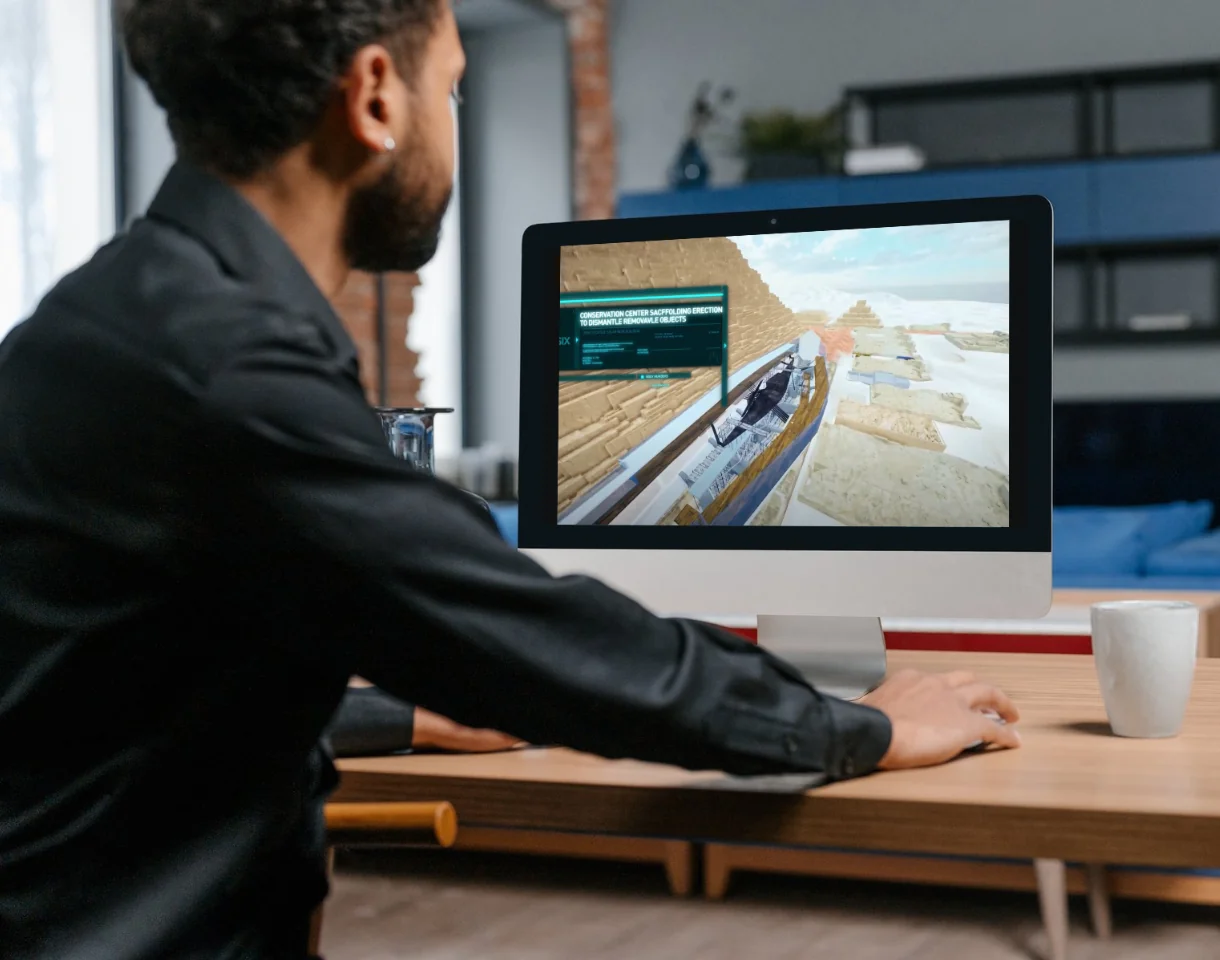
Watch live, pause, change the scenario, step in.
ARK: the learning platform for VR training keeps every result, and completion records export for your audit.
Your data stays where you decide. Nowhere else.
Other languages can be added for mixed-nationality crews.
New workers and junior supervisors had to spot hazards before stepping onto a live site. Classroom slides were not changing behaviour at the gate.
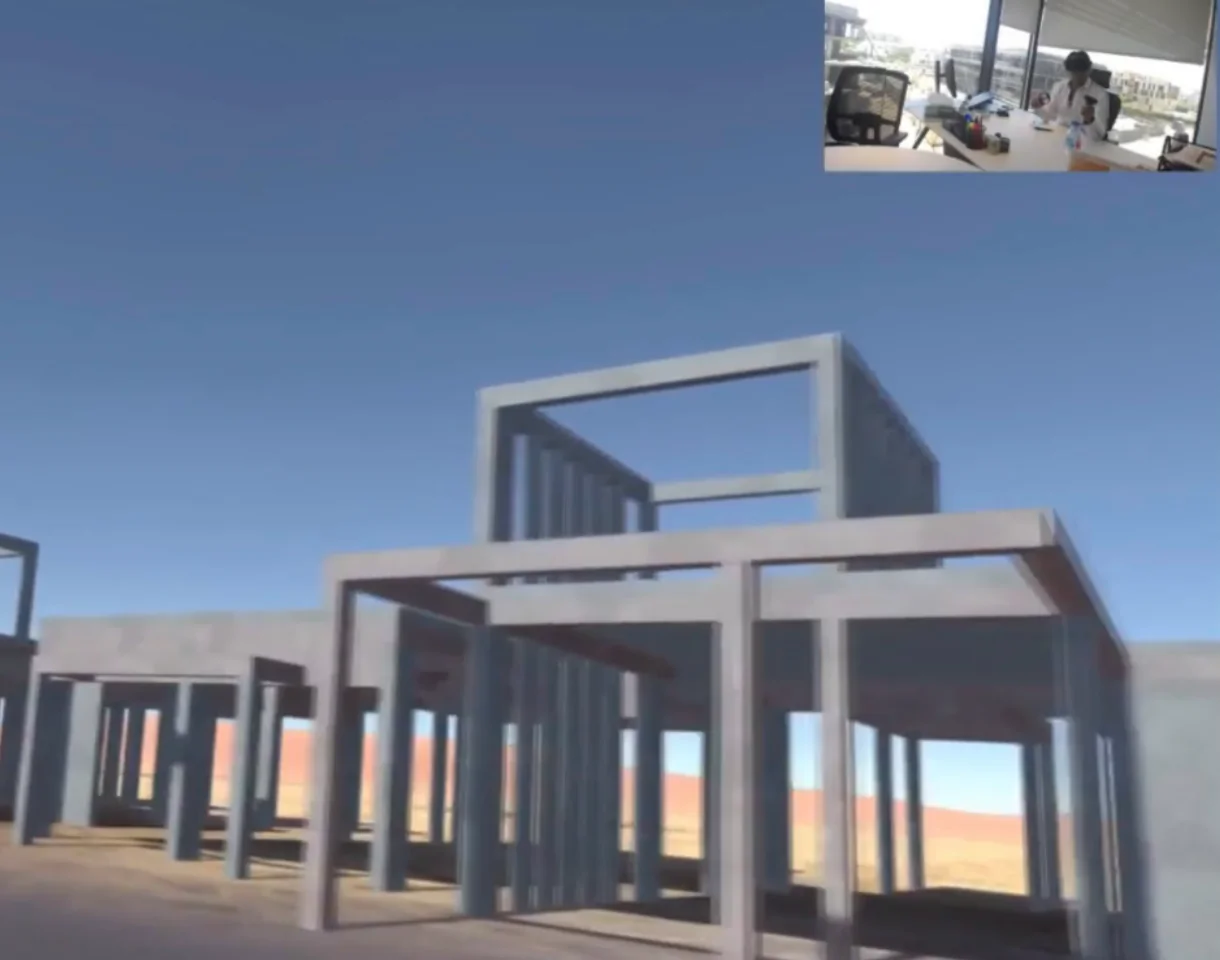
A VR construction-site module in Arabic and English, delivered through ARK: a crane overhead, a trench without shoring, an open edge, materials on a scaffold.
Trainees find each hazard and stop the work the way a supervisor would. Results per hazard are exported from ARK into the site file.
Hardware, software and content, from Abu Dhabi and Cairo.
Our own technology and a library built over more than 10 years.
Your servers, a cloud in your country, or offline.
The AI works. Your instructor signs off every result.
Yes. Simulators and VR modules run on standalone headsets or on-site PCs, with no connection needed. Results are kept on the device or on a server at your site. ARK itself runs on your servers or a cloud in your country, and can be set up offline with its core features.
Yes. Every trade that walks through the gate gets the same induction, and completion records can be exported. New workers can be inducted before they reach site, at the camp or the training centre, so the gate opens for people who already know the hazards.
The site, the tasks and the incidents you want to stop. The first call is short. If you want your own site modelled, send drawings, models and site photos. Scope decides how long the build takes, and we tell you after the first call rather than guessing before it.
The operator sits at real controls and is given a lift: pick, swing, set, with a ground crew signalling. The instructor sees the operator's view and hands live, can add a complication mid-lift and can pause to talk it through. At the end both see the result: the load path, the mistakes and what to repeat. The instructor decides who moves to the real crane.
Yes. Simulators, VR modules, the instructor view and the reports are in Arabic and English, and a trainee chooses the language at the start. Other languages for mixed-nationality crews can be added. The hazard-spotting modules use pictures and actions as much as words, so language is rarely the barrier.
Compare it with what you already pay: a stopped crane, a failed safety audit, a crew sent home after an incident. A simulator is bought once and used by every crew after it. We price by scope, so the first call ends with a clear number, not a brochure.